September 7, 2026
Notes and explanatory texts between the fields of a web form can now optionally be displayed either above or below a selected input field.

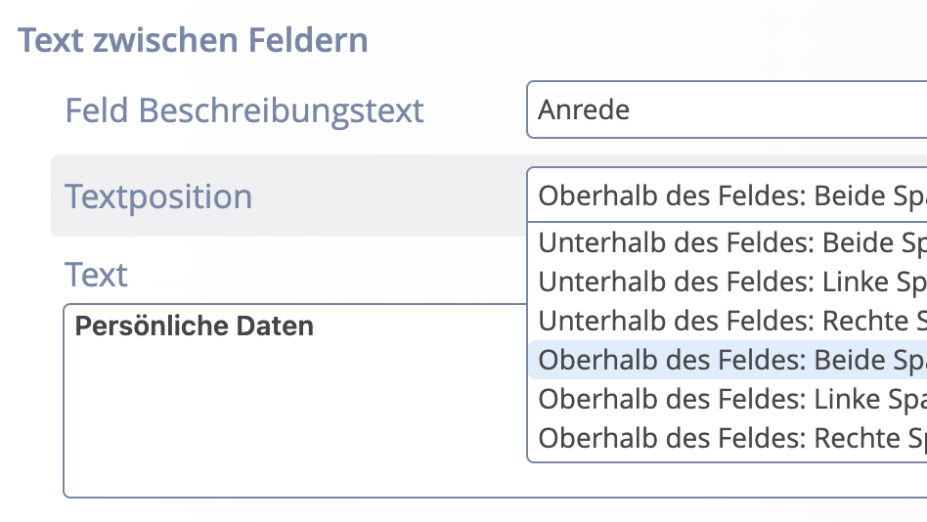
The function Text between fields allows you to insert additional notes, explanations, or subheadings at a desired location in the web form. First, select the input field where the text should appear.
The following options are available under the Text position setting:
"Both columns" displays the text across the full width of the form. With "Left column" and "Right column", the text can be specifically placed within a two-column form layout.
The chosen position is taken into account both in the display of the form and in the summary and in sent emails. In emails, no distinction is made between the left and right columns.
Note: Existing forms remain unchanged: Already configured texts between fields continue to be displayed below the selected input field.