
Creates a table of contents from all elements in the newsletter.
Table of Contents for newsletter mailing [Cöln]
Creates a table of contents from all elements in the newsletter.
Note: this function is only available for newsletter mailings, not for standard pages.
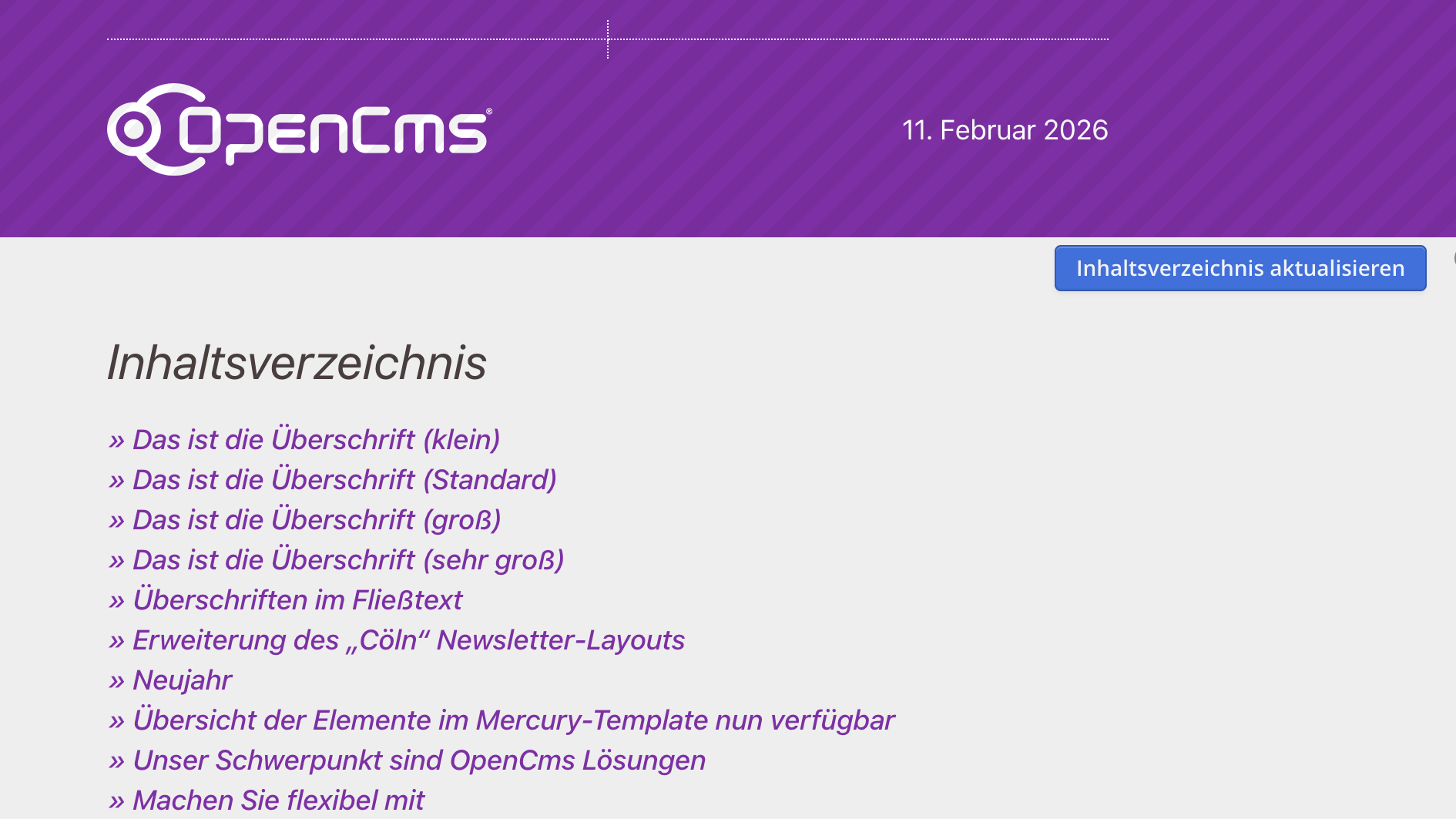
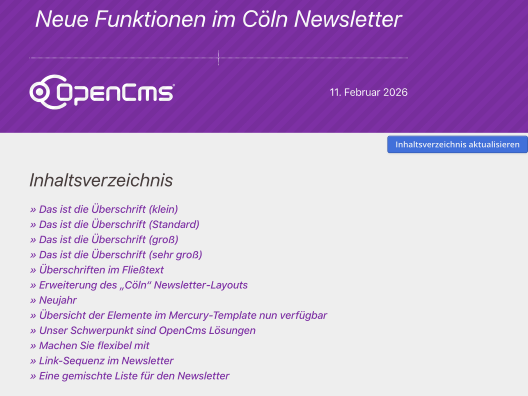
To display the table of contents in a newsletter mailing, you have to drag the dynamic function to the desired location in the page editor.
The layout of the table of contents can be customized with the element settings of the dynamic function .
For each element of the newsletter mailing, e.g., an article or content section, it can be specified in the element setting "In the Table of Contents" if it should be included in the table of contents or not.