
Previously, the date of an event or article was always displayed fixed below the key visual image alongside other information in the right column. From now on, the position can be set via an element setting.
Prominently display the date on detail pages
For articles and events, the date can now optionally be displayed more prominently with an element setting.
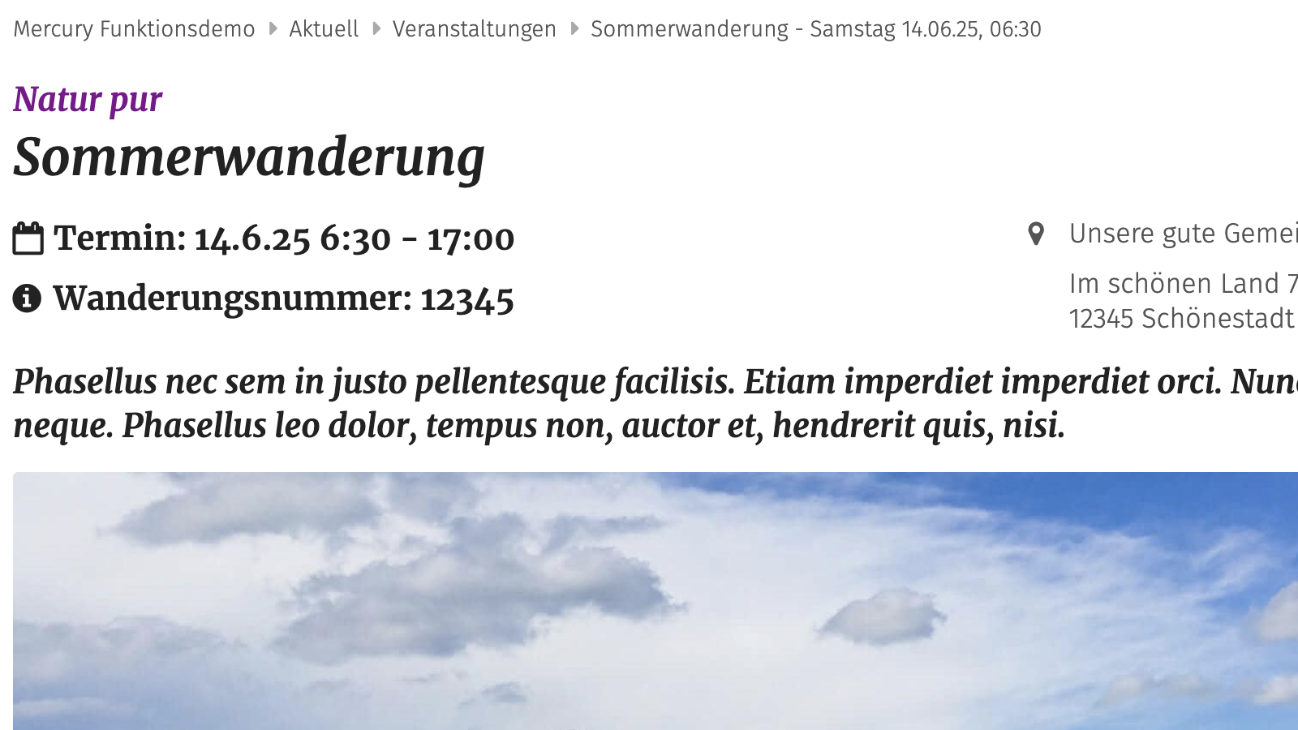
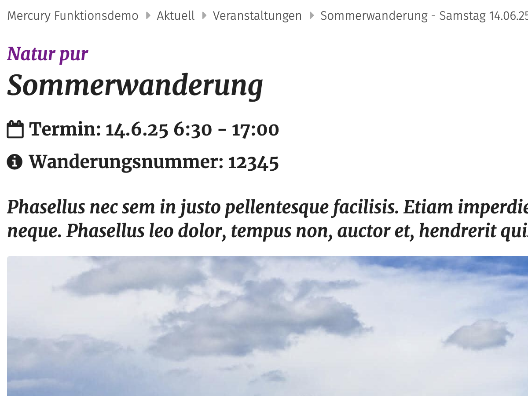
By default, the date and additional information of an event or article on a detail page are displayed below the key visual and above the text.
The element setting "Info position" allows the display at another position. The following options are possible:
- Below the image / above the text: this corresponds to the default display.
- Prominently below the image / above the text: the position is identical to the default, but the column with the date is displayed on the left side and more prominently with larger font and bold formatting.
- Above the title: The date and other information are displayed directly above the title as the first element. The column with the date is shown on the left side and more prominently with larger font and bold formatting.
- Below the title: The date and other information are displayed directly below the title. The column with the date is shown on the left side and more prominently with larger font and bold formatting.