Skip to content

Flexibly align media in portrait format

Media in smartphone portrait format can now be displayed left-aligned, centered, or right-aligned in the media detail view. The new element setting enables appropriate alignment across all screen sizes.

Previously, media using a smartphone portrait format was left-aligned. A different alignment may better suit the page layout, particularly when there is unused space beside a narrow video.

The “Media detail view” formatter has therefore been extended with the “Image alignment” setting. This allows the media to be positioned independently of the alignment of the heading and text.
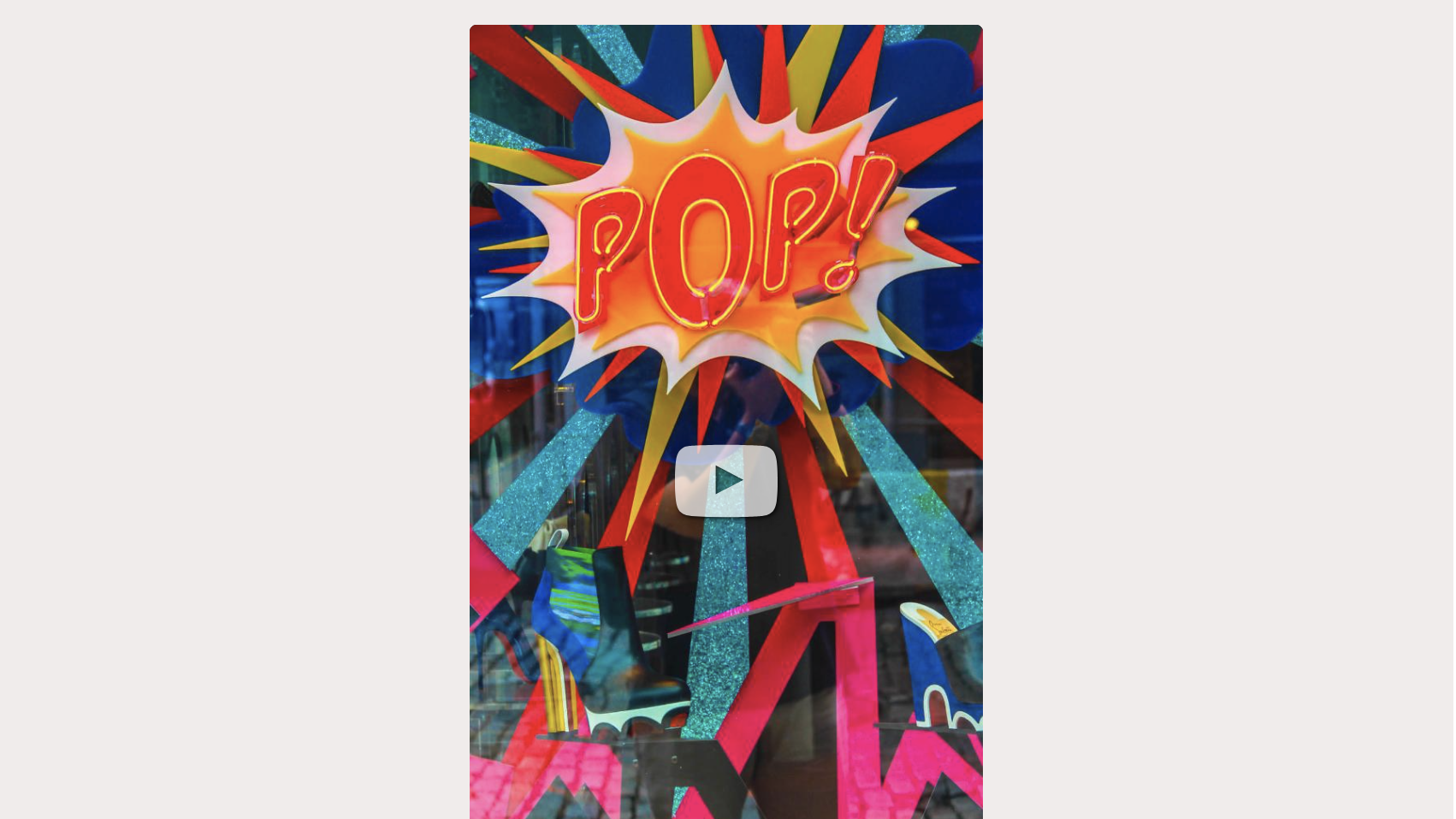
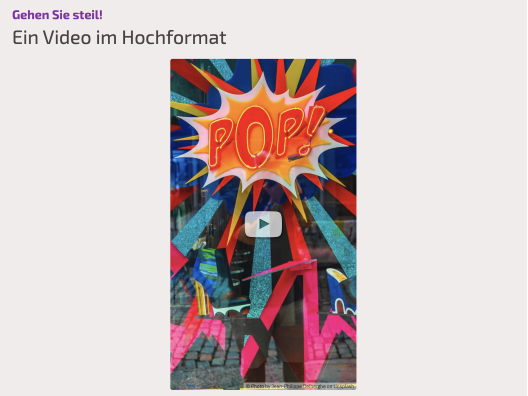
Centered Media element Centered Media element

The following options are available for Image alignment:

  • Left aligned
  • Centered
  • Right aligned

The setting applies to the image formats “Mobile phone vertical screen (small)”, “Mobile phone vertical screen (medium)” and “Mobile phone vertical screen (large)”.

The selected alignment applies on all screen sizes, including smartphones. It becomes visible whenever the available area is wider than the media. If less space is available, the media automatically scales down as before.

“Left aligned” remains the default, so existing presentations do not change.

Note: The new setting has no effect on other image formats.